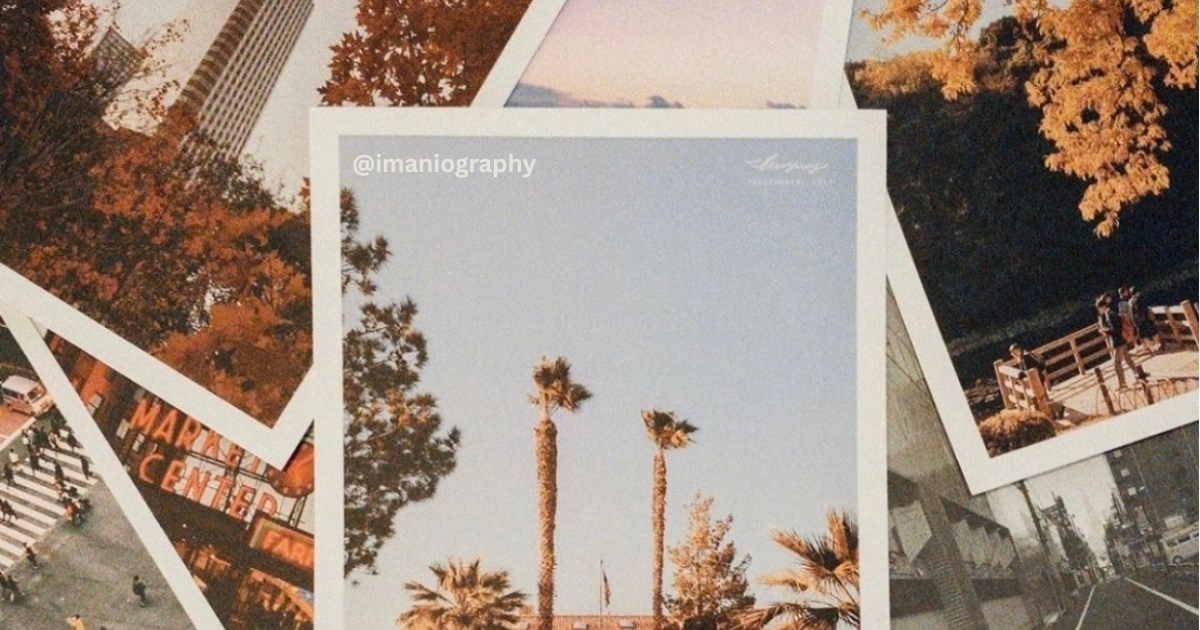
Square Prints come in sets of 20 on thick matte paper, in 2.75", 4" or 5.5" sizes, starting at $10.
Make Square Prints
If your summer iPhone photos all look the same flat, slightly washed-out version of the scene, the culprit is probably one tiny setting buried in your camera menu. It's a Photographic Style you picked once and forgot about.
Apple's Photographic Styles act like built-in filters. Once you choose one, it's automatically applied to every photo you take until you reset it. Apple now bakes filter-level color control directly into the camera for summer 2026, but most people are using it without realizing.
This matters because the 2026 mood in photography is authenticity, not polish. Searches for "unfiltered" on stock platform Envato have climbed 11% in the past month for photos and 110% for video.
Real texture, real light, real moments are what looks good in print this year, and your iPhone is already capable of capturing that if you take back the controls. Let's get into it.
What Photographic Styles actually do (and why your photos look that way)
Photographic Styles are Apple's filter system built into the iPhone Camera app. They adjust "specific colors in select parts of your photos to adjust the overall look," and iPhone 16 and newer models ship with 15 of them, from Standard and Vibrant to Cozy, Dramatic, and Stark Black and White. The baseline is Standard (No edits), which means no styling is applied. But if you ever swiped through the styles when setting up your phone and tapped one, that style has been quietly riding along on every shot since.
That's why your friend's beach photos look warm and yours look like winter. They may be set to Amber. You may be on Cool Rose. Same beach, same sun, very different print on your wall.
Reset Photographic Styles to Standard
To turn off whatever style is silently styling your photos, go to Settings > Camera > Photographic Styles > Reset to Standard. That's it. Every photo you take from this point forward will be captured with no style applied, giving you the neutral base your iPhone's sensor actually saw. Think of it as the difference between a print made from the raw scene and a print made from someone else's mood board.
If you like the idea of a signature look but want to choose it on purpose, this is also where you set a new default. Tap any style and Apple will apply it to all future photos automatically. For most summer trips, we recommend starting from Standard and adding styling later, especially if you plan to print your favorites as Square Prints.
Change a Photographic Style after taking the photo (iPhone 16 and newer)
The biggest 2026 upgrade is that iPhone 16 and newer models let you edit Photographic Styles in the Photos app after capture, not just at the moment you press the shutter. This post-capture workflow is specific to iPhone 16 and later. If you have an iPhone 16 or newer, here are the six steps.
1. Open the Photos app and pick a photo taken with a Photographic Style. 2. Tap the Edit icon (the three small sliders). 3. Tap Styles in the editing toolbar. 4. Drag along the row to preview each style on the actual photo. 5. Use the dotted square to dial in tone and color, and the slider to set intensity. 6. Tap Done when the photo feels like the moment, not the algorithm.
One requirement most people miss is HEIF format. Your iPhone must be capturing in HEIF format, not JPG, for post-capture editing to work. Check Settings > Camera > Formats > High Efficiency. If you're on Most Compatible, your photos are locked into whatever the camera decided in the moment. No take-backs.
The filter-free habit to build before you print
Before you order a print, pull up the photo in Edit mode and ask yourself one thing. Does this image still look like the day it happened?
If it's been auto-styled into a heavier mood than the moment carried, dial the intensity slider down until you can almost feel the air again. The luxury look of 2026, per photographer Esther Kay, is "authenticity — real texture, real emotion, real connection". On paper, that authenticity reads even louder than on a screen.
A few small things help here. Print one Engineer Print of your favorite summer shot at a low cost first, see how the colors land on matte paper, then commit to the larger size or a photo book of the whole trip. A flat, processed image looks fine on a phone and disappointing on a wall. The opposite is also true. We've found that a slightly imperfect summer photo, with real sky and real shadow, can carry a whole season of memory better than the most polished feed.
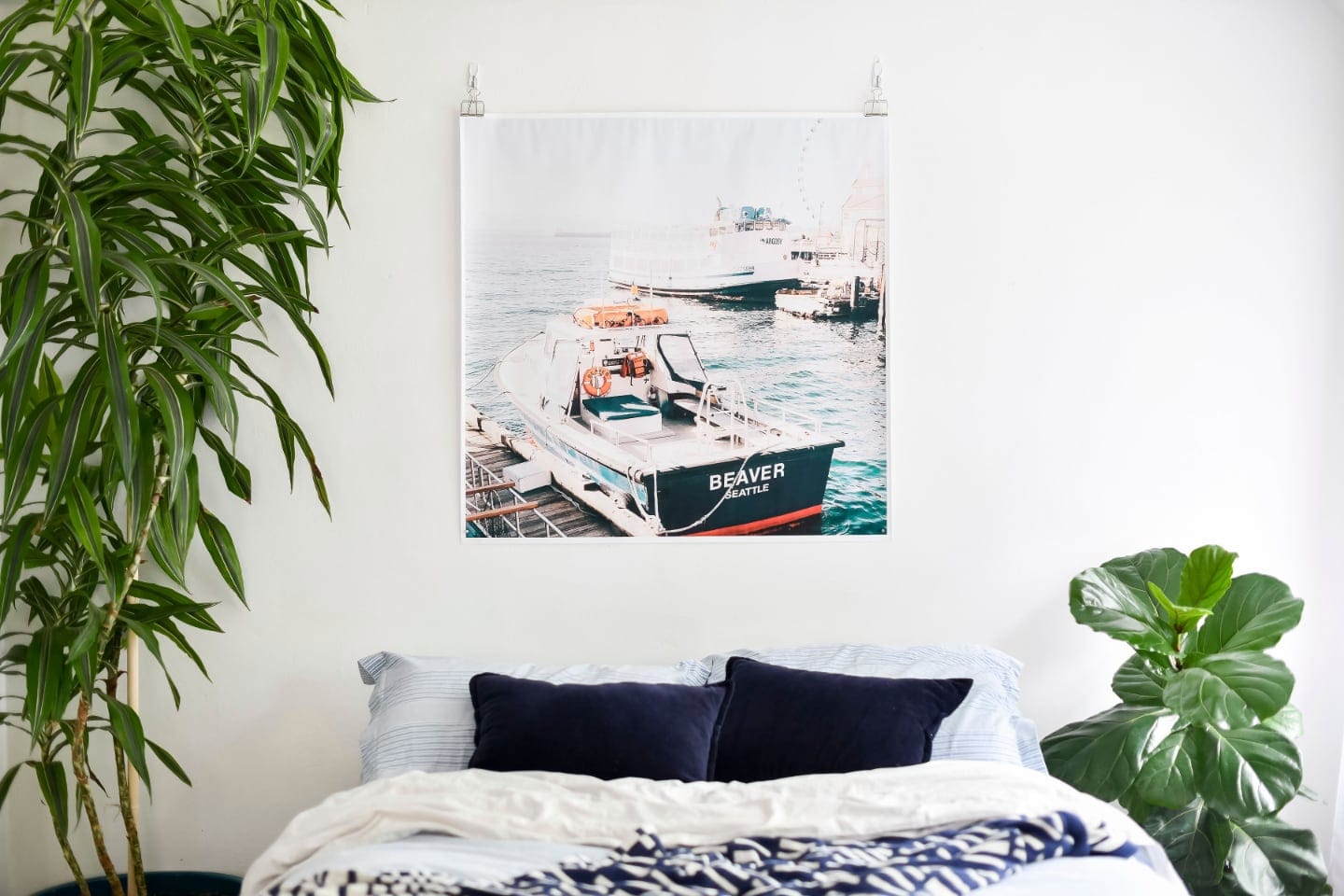
Reset to Standard. Style on purpose, not by accident. Then print the ones that feel like the day. 🙂