

Ever printed a gorgeous iPhone photo, only to watch it land a little flat and muddy on paper? Shooting in Apple ProRAW is the fix, and you'll feel it most at larger print sizes.
ProRAW Keeps More of What Your Camera Saw, and That Saves Your Prints
A RAW file holds more information than a regular one. Where a JPEG bakes in decisions about brightness and color and throws away the rest, RAW keeps the full range your sensor captured. ProRAW does all of that while still playing nicely with Apple's computational photography, so you get flexibility and a clean starting point. We see it at Parabo all the time: the same moment, captured RAW, survives the jump to paper better.
That extra data is your safety net. You get room to:
- Lift shadows without them turning grainy
- Pull back bright spots before they blow out to white
- Shift white balance if the light was too warm or cool
A JPEG locks those choices in. RAW lets you decide later, when you can see the whole frame on a bigger screen and actually breathe. That's the difference between a print that holds together and one that falls apart.
Why Apple ProRAW Means Cleaner Prints
Apple's ProRAW keeps more image data in the file so you get flexibility and a clean starting point. The result is smoother detail and fewer speckled, muddy patches when shadows get pushed.
Why does that matter to you? Your prints keep their texture, especially in dim corners and saturated skies. That's exactly the detail our Square Prints and Classic Prints live on. Accurate color and crisp shadow-to-highlight range make even a small print look sharp and vibrant.
Printing Square Photos From ProRAW
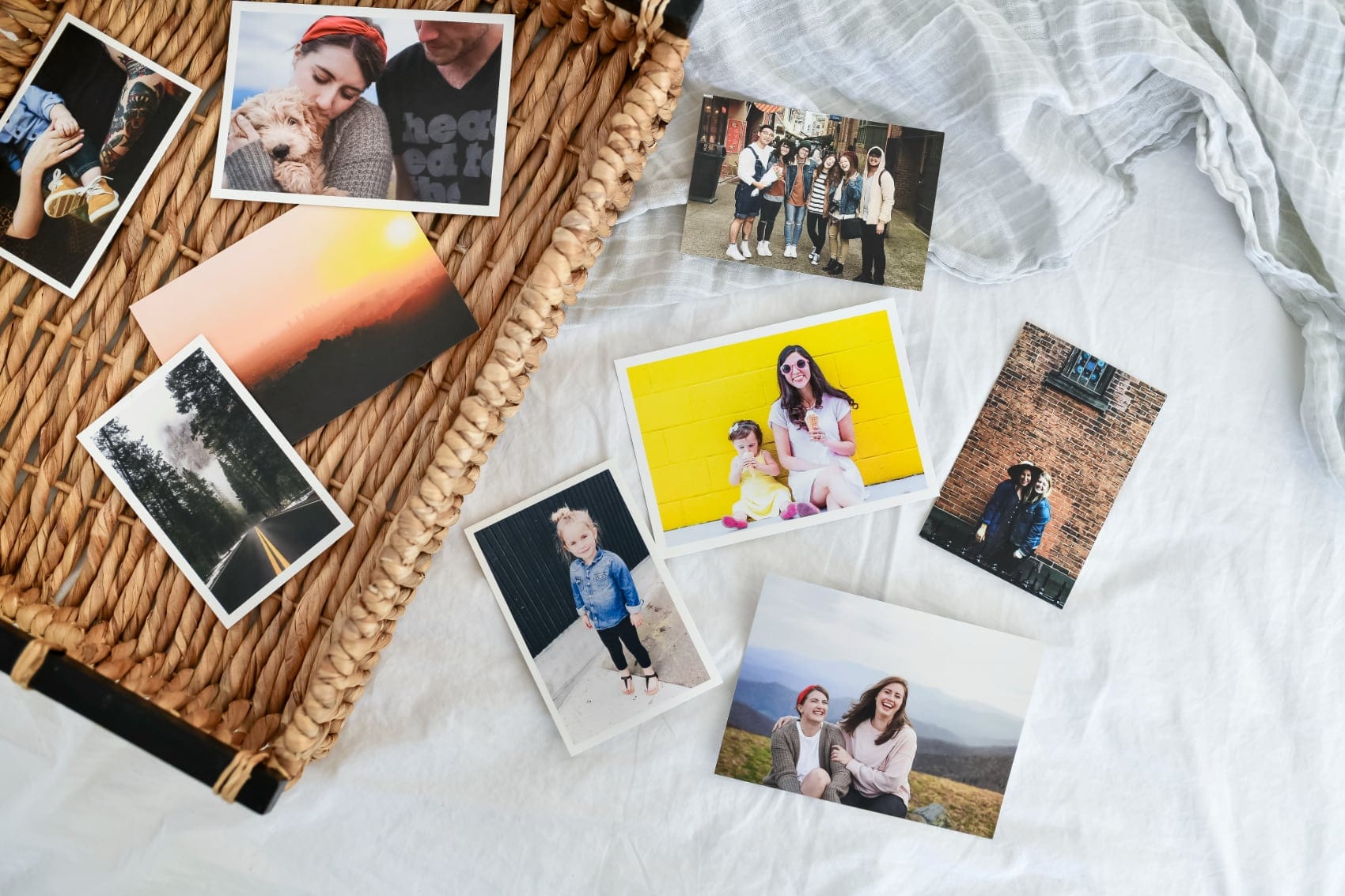
Square prints are one of the best showcases for ProRAW's advantage. When you're cropping to a square frame, every pixel counts, and a RAW file gives you more to work with. Whether you're printing a 4×4 or going large, the extra tonal range means your Square Prints hold detail in the corners instead of going flat. Order yours and see the difference for yourself.
Turn On ProRAW in About Ten Seconds
If you've got a recent iPhone Pro, you're already set. Here's all it takes:
- Open Settings, then Camera, then Formats.
- Switch on Apple ProRAW & Resolution Control.
- Open the Camera app and tap RAW before you shoot.
One thing to know before you dive in: ProRAW pairs happily with Night mode, so you don't have to choose between them. ProRAW doesn't work in Portrait mode, with Live Photos, or for video.
It sounds fiddlier than it is. You flip one switch, and then it's the same camera you already love. That's genuinely it.
Simple Edits That Make RAW Files Print Beautifully
Edit RAW right in the Photos app, and keep your moves small. The goal isn't a dramatic makeover, it's gently using all that extra data so the print matches what your eyes saw. Simple edits, big payoff!
A simple, low-stress starting routine:
- Set exposure first. Nudge brightness so the highlights stay honest, a flame stays a flame, not a white blob.
- Recover the highlights and shadows. Pull back blown-out bright spots, then lift the darks just enough to see detail.
- Tune color and white balance. Warm or cool the whole frame until skin tones and skies look natural.
- Add a touch of sharpening last. Light, not crunchy.
Here's a color tip that's simpler than it sounds, no technical expertise required. iPhone 7 and later capture photos in the Display P3 wide color space, which covers about 25% more colors than the sRGB standard that print labs typically work in, so colors can shift slightly when you send a file without converting it first. The easy fix is to upload straight from Photos, which handles the conversion for you. If you edit on desktop, Tov Studio Photo recommends double-checking that you've embedded the color profile on export. Without it, your editing app may silently strip that information. When that happens, you're leaving the lab to fill in the blanks on its own.
One small habit, uploading from Photos, handles most of it automatically.
Why Do Large Prints Need More Image Data?
Prints reveal noise and softness that phone screens hide. A phone screen is small and backlit, which masks grain. A print is bigger and reflective, so shadows and fine textures are suddenly front and center. RAW gives you an edge right there.
That gap grows fast with size. At larger formats, think square prints, canvas, or big wall pieces, every extra bit of clean detail in a RAW file shows up. A compressed JPEG simply can't match it.
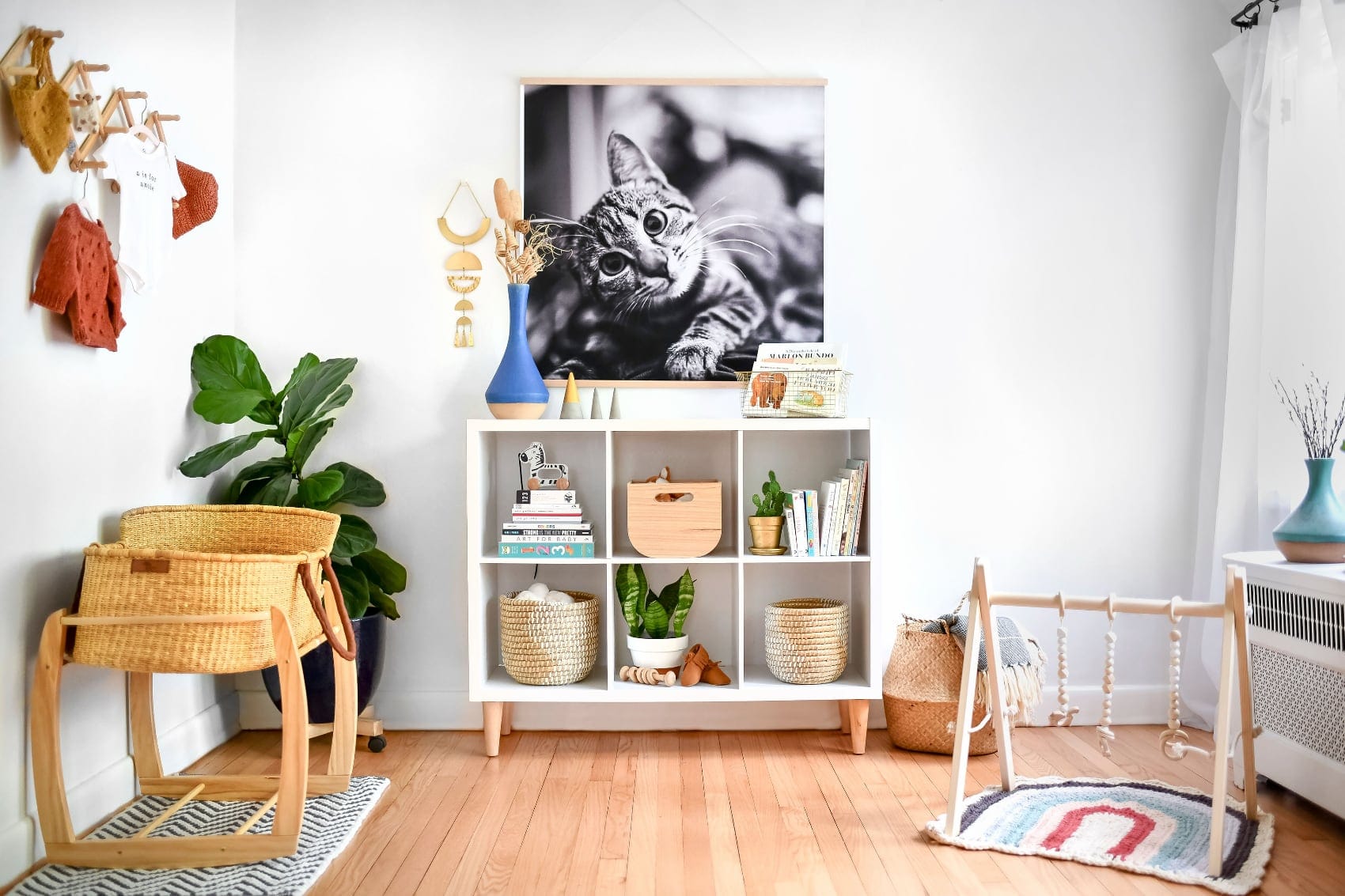
Nowhere is that truer than our Engineer Prints. The classic 3×4 ft format (and the 3×3 ft Square Engineer Prints) print on extra-light paper at gallery scale, so they demand every scrap of detail and tonal range your file can offer. A RAW file delivers exactly that, which is why a poster-sized print holds its richness instead of going flat.
Think of a campfire shot of the kids. On the phone it's cozy. Printed large from a JPEG, the dark edges go mushy and speckled. From a well-edited RAW, those shadows stay rich and real.
Make Your Best Shot Into a Print
✨ Flip on ProRAW for your next shoot, make those three or four gentle edits, and let the file do what a JPEG never could. Then turn that moment into a Fine Art Print and see the detail land on paper.


