
Camera roll open, couch claimed. We can walk you through the whole thing tonight. Pick your photos, crop them, choose a format and a starting month, check the preview and order. Your custom photo calendar starts right in your camera roll.
Got a holiday gift list to cover? One cozy evening on the couch gets you there! Here's the full flow on the website:
- Pick a format. Choose Keepsake, Large or Engineer Print, then open its page to start your design.
- Add your photos. Upload JPG, PNG or HEIC files straight from your phone.
- Crop each photo. Frame every month the way you want it to hang.
- Choose your starting month. This step applies to the two wall calendars.
- Preview, then order. Check every month before you buy.
Pick your photo calendar photos: 14 for a wall calendar, 1 to 12 for the poster
The Keepsake and Large wall calendars each take 14 photos, one for each of their 14 months. You fill those 14 spots and you're done, with no extra cover photos to hunt down. The Engineer Print Calendar takes 1 to 12 photos, depending on which of its three templates you choose.
That fixed number makes choosing way easier. Each photo gets a quick yes or no, and these four habits help you decide.
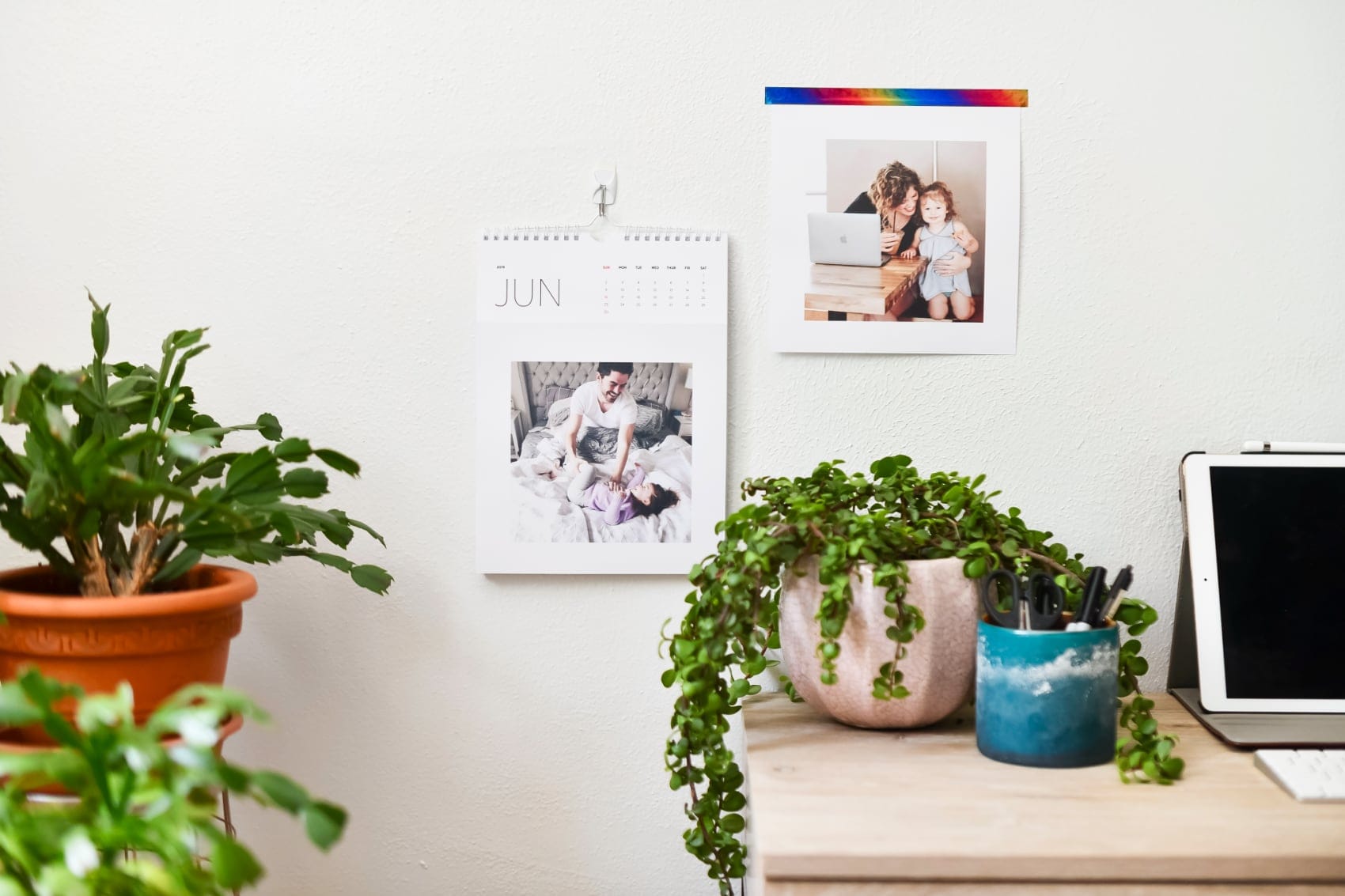
1. One strong photo per month
Give each month a single photo you love. Ask yourself whether you would frame it, whether you would miss it if it were gone, whether a favorite person is in it, and whether it tells a story.
2. Match seasons to months
Put the pumpkin patch in October and the snow day in January. Warm ambers and golds suit fall pages, while cool blues and whites suit winter.
3. Mix close-ups and wide shots
Follow a close-up of tiny hands with a wide beach scene. The switch keeps every page turn feeling fresh.
4. Use the original files
Upload the original photo from your camera roll. Screenshots and Instagram copies hold less detail, and that missing detail shows up in print.
Crop and resolution for sharp prints
For the Keepsake and Large wall calendars, we recommend JPG, PNG or HEIC files of 2 to 5 MB at 150+ PPI. PPI means pixels per inch, so a higher number packs more detail into each inch of paper.
The Engineer Print Calendar prints at 3 x 4 ft, so it needs more detail. The best images run 5 to 10 MB at 300 PPI. Choose your biggest original file to avoid pixelation.
We also point out photos that may print blurry while you design. Swap those in a tap!
Choose a photo calendar format
The Keepsake suits people who keep prints. The Large suits busy family planners. The Engineer Print suits a big statement wall. Here's how all three compare side by side.
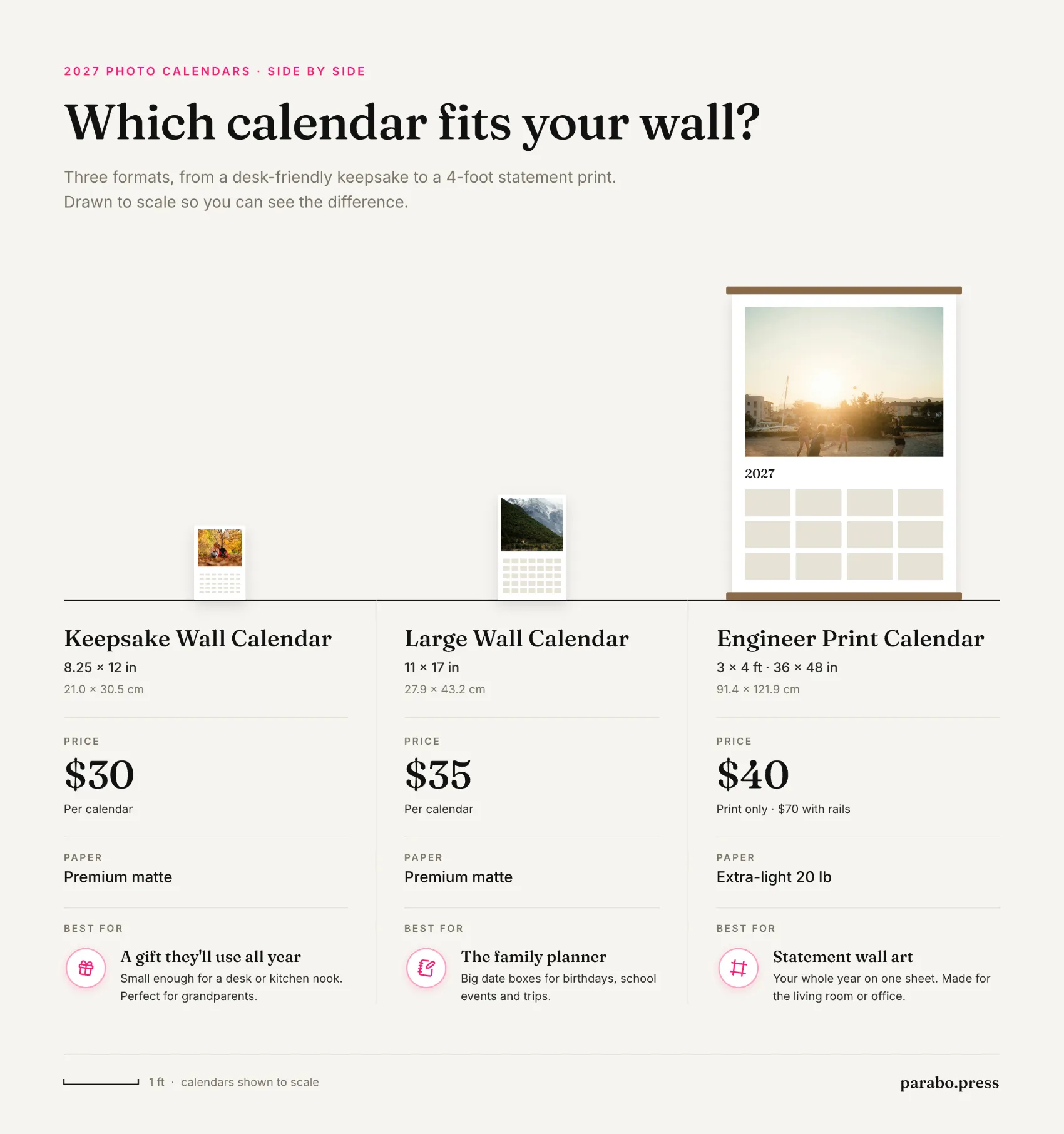
The keepsake wall calendar has perforated photos. When a month ends, you tear its photo off and keep it.
The large custom wall calendar gives you plenty of room for appointments and reminders.
The custom poster calendar shows the whole 2027 calendar year on one sheet. You can hang it with Wood Poster Rails for the $70 option.
Pick your starting month
The Keepsake and Large wall calendars run 14 months from whatever month you choose. You can start a school-year calendar in the month classes begin, or start a birthday gift in the recipient's birthday month.
The Engineer Print Calendar covers the 2027 calendar year, January to December. That date range stays fixed for every order.
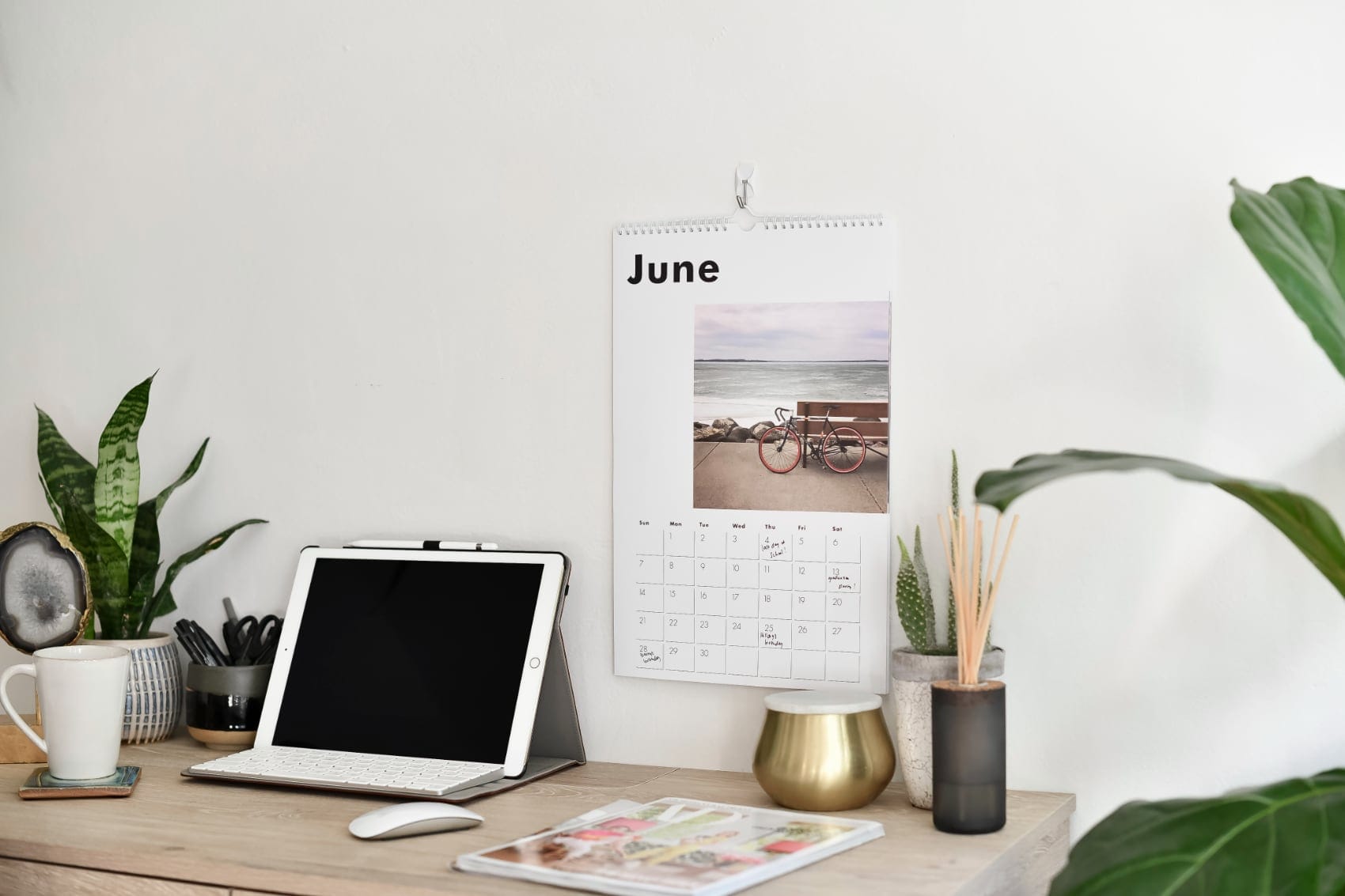
Check the preview before you order
The preview shows every page before you pay, so go through it page by page. Look for faces cut off at the edges and make sure the dates stay easy to read over each photo.
Fix any crop right there, then preview once more.
On iPhone you can also preview the Engineer Print Calendar on your own wall at real print size. The Parabo Press app does this with augmented reality on a supported iPhone or iPad. Download Parabo Press on the App Store to try it. The camera view is live only. Nothing from it is recorded, saved or uploaded.
Pick the right calendar for everyone on your list
Pick the Keepsake for the grandparent who saves every print, since each month becomes a photo they keep. Choose the Large for the family that writes down every practice and appointment. Go with the Engineer Print for anyone with a big empty wall and a 2027 full of plans.
Match the format to your recipient's space and habits, then compare all three calendars, we can't wait to see what you create!