


How to make a photo book that looks polished
A good book rarely needs more photos. It needs the strongest ones, given room, in a calm order. Here is how to choose and lay them out, page by page, with the layouts in every Parabo Press Softcover and Hardcover book.A good book rarely needs more photos. It needs the strongest ones, given room, in a calm order. Here is how to lay them out, page by page.
- 13 page layouts
- 4 cover designs
- 26 pages included, up to 100
- 13 page layouts and 4 cover designs
- 26 pages included, up to 100

In this guide
From choosing photos to the finished book10 sections
10 sections · jump to any part
01 · Photo book advisor
Six checks before you order
Run through them on any book, a trip, a wedding or a whole year. Each one has an example further down the page.Run through them on any book. Each one has an example further down.
Still sorting your camera roll? Start with our camera roll guide
Pick one from every burst
Keep the frame with open eyes and the best light. Five near copies of one moment flatten a page.
Give your best photo a page
A full page tells the reader this moment matters. Save it for the photo you want them to stop on.
Pair photos that belong together
Match facing pages by moment, place or color, so each spread reads as one idea.
Mix busy pages with calm ones
After three or four photos on a page, let the eye rest on one image and some white space.
Crop with care
Keep faces and hands whole. Make the subject big enough to read at arm’s length.
Add words only when they help
A date, a place or a name. One short line, or leave the page quiet.
02 · Before and after
Same beach day, two different spreads
Both spreads come from one afternoon. The first uses every shot. The second keeps three and gives the best one room.
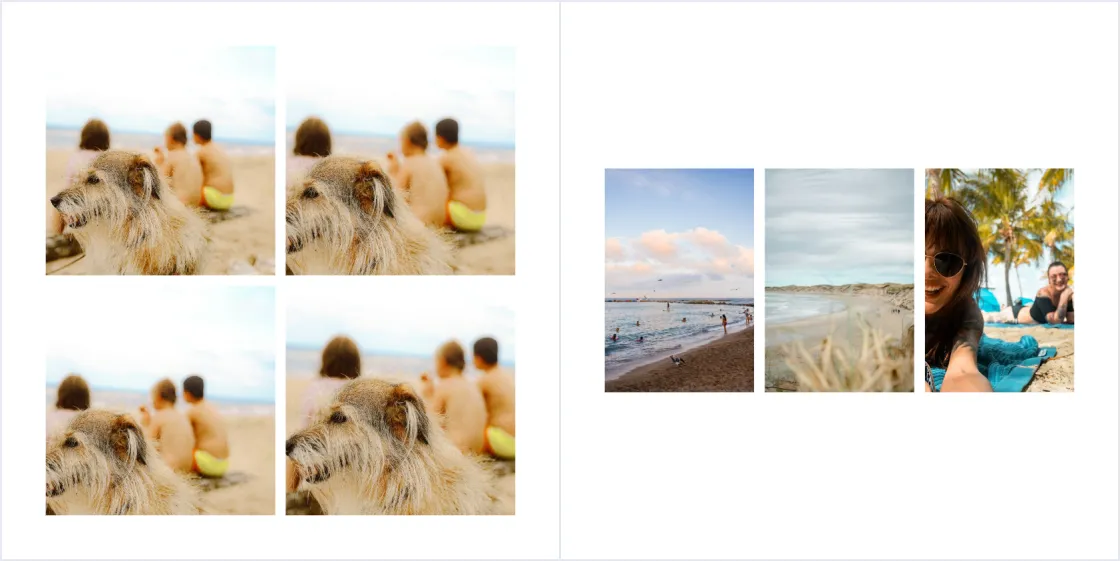
- Four near copies of the same moment
- Three small photos with no clear lead
- Nowhere for the eye to rest
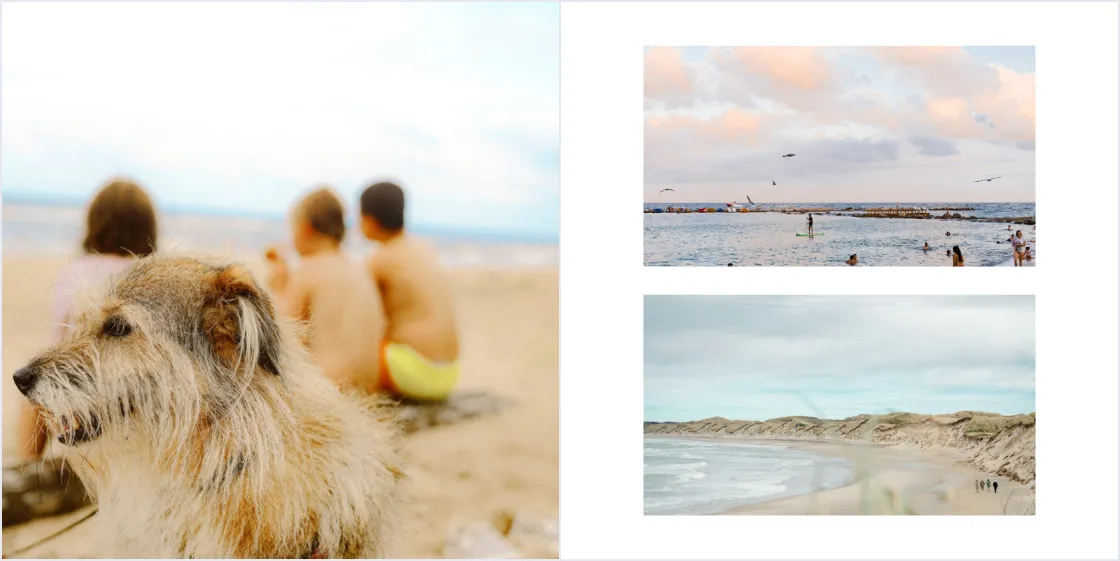
- Kept the best of the four near copiesKept the best of the four, on a full page
- Gave it the full left page
- Paired two wide views of the same beach on the rightPaired two wide views of the same beach
03 · The layouts
Every layout in a Softcover or Hardcover book
4 covers and 13 page layouts. Switch any page in the editor and your photos move with it. A good book uses a handful of them, not all.4 covers and 13 page layouts. Switch any page in the editor and your photos move with it. Swipe each row.
CoversCovers and back45
Border
A white frame around one photo. Calm and classic.A white frame around one photo.
Full width
Photo edge to edge. Pick one with space at the edges.Photo edge to edge.
Border & title
A framed photo with a title line under it.A framed photo with a title line.
Full width & title
A wide photo on top, the title below.A wide photo, the title below.
Back cover
A clean back with a small Parabo Press logo.Small Parabo Press logo.
Back1
Back cover
A clean back with a small Parabo Press logo.Small Parabo Press logo.
One photo4
1 photo, full page
Your strongest photo, edge to edge.
1 photo, square
A square crop with a white border. Good for phone photos.A square crop with a white border.
1 photo, portrait
A tall photo kept whole, with white space around it.A tall photo kept whole.
1 photo, landscape
A wide view kept whole.
Four photos1
4 photos, grid
Small moments from one day. Use it sparingly.Small moments from one day.
Two photos2
2 photos, side by side
Two people, or a face and a detail.
2 photos, stacked
Two wide shots, like before and after.
Three photos3
3 photos, big left
One lead photo and two details.
3 photos, big right
The same idea, mirrored for the facing page.The same, mirrored.
3 photos in a row
Three steps of one moment, in order.Three steps of one moment.
Photos with a caption3
Full page + caption
A big moment with the place or date under it.A big moment with the place or date.
Portrait + caption
A portrait with a short note beside it.A portrait with a short note.
2 photos stacked + caption
Two views of one place, plus where it was.Two views of one place, plus where.
04 · Layout idea
One big photo, or a few small ones
Size tells the reader what matters. A single photo on a page reads as the moment itself. Small photos together read as the details around it.Size tells the reader what matters. A single photo reads as the moment itself. Small photos together read as the details around it.
- Go big for faces, wide views and the photo you want people to stop on.
- Go small for a run of little moments from the same day.
One big photo
1 photo, full page
Three small ones
3 photos in a row



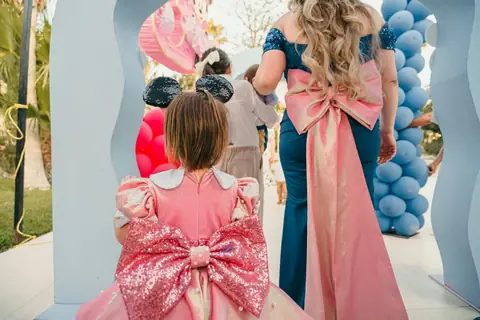
05 · Layout idea
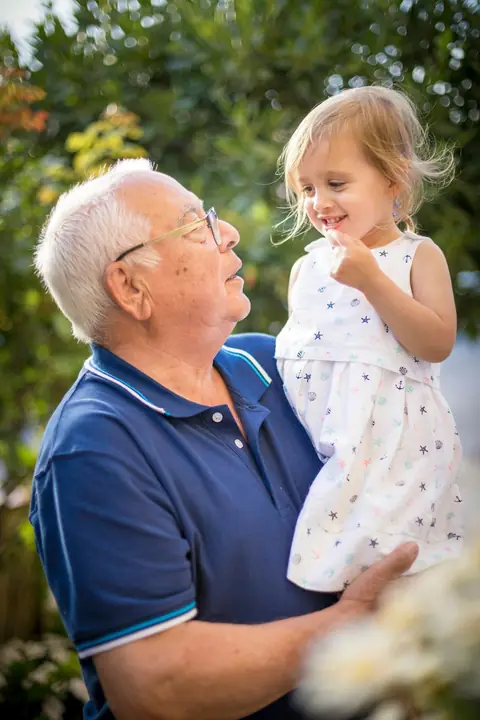
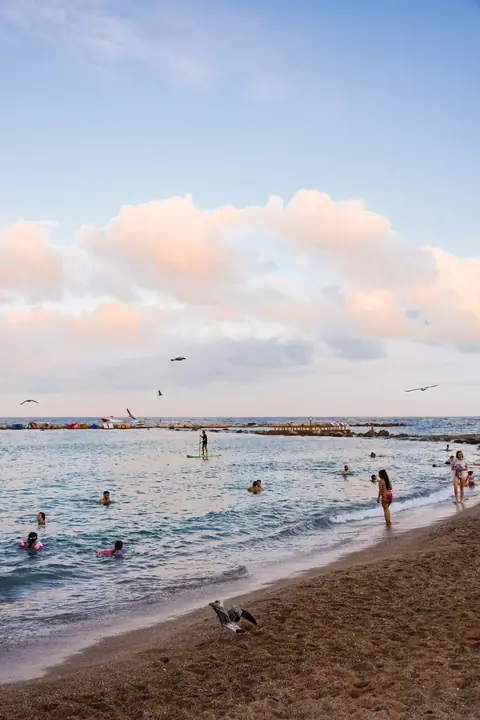
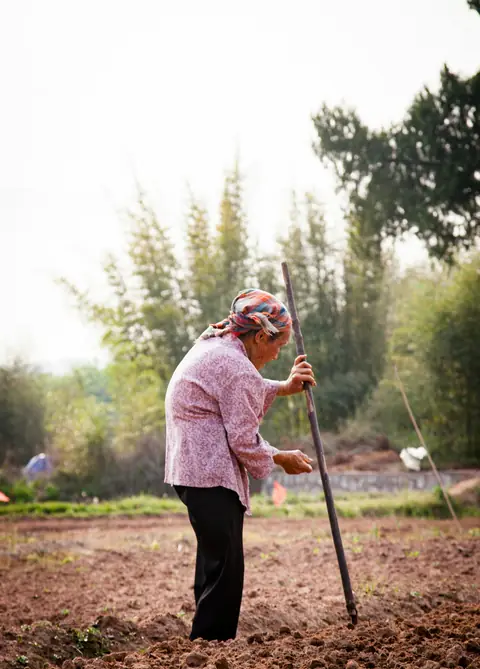
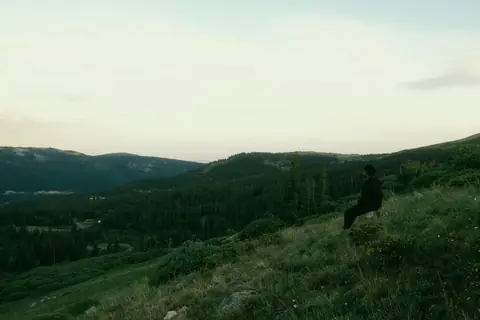
Pair facing pages that belong together
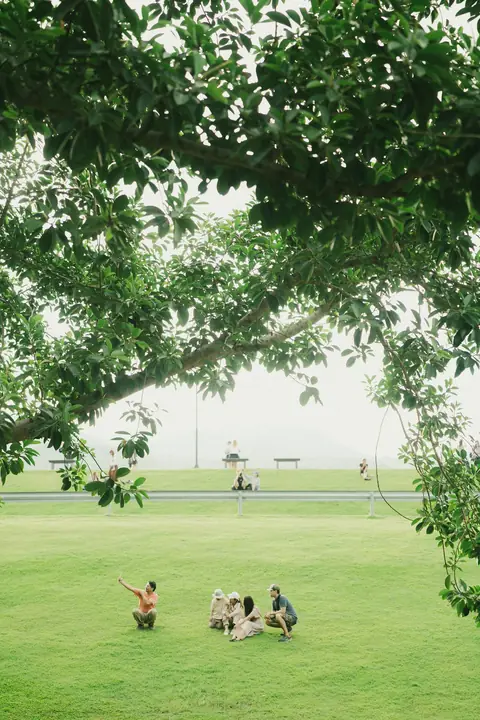
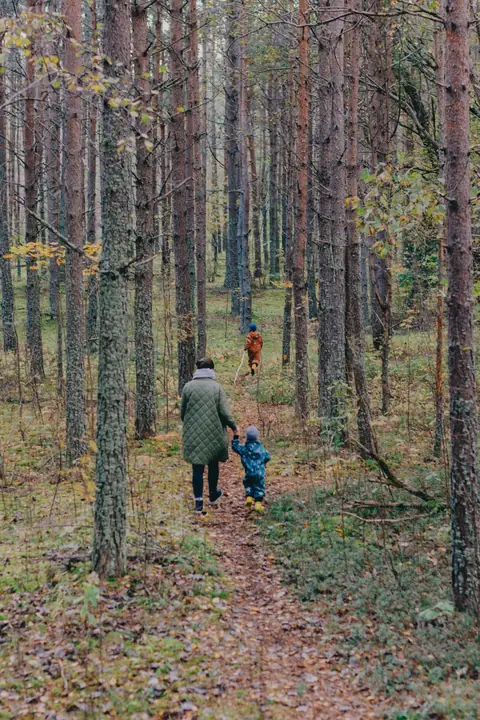
Open a book and you see two pages at once. Give them one shared thread, so the spread reads as a single idea.Open a book and you see two pages at once. Give them one shared thread, so the spread reads as one idea.
By moment
The same people, minutes apart.
By place
A wide view, then two people in it.
By color
Greens that carry across the fold.
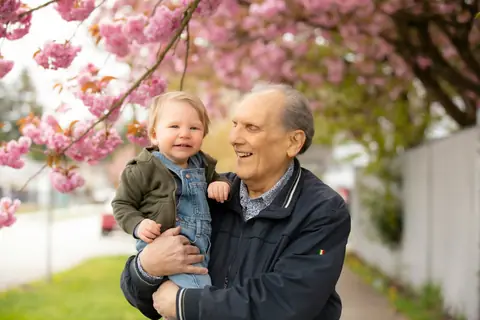

06 · Layout idea
Crop with care and leave some room
Most pages that feel off have a crop problem. Match the layout to the photo’s shape and give the subject space.
Before
After
Wide photo, square spot
A full page crops the sides of a wide group photo. The landscape layout keeps everyone in.
Before
After
Group shot, tiny spot
In a four-photo grid every face shrinks. Give the group its own page.
Before
After
Too much on one page
Four equal photos compete. Pick a lead and let two details support it.




07 · Layout idea
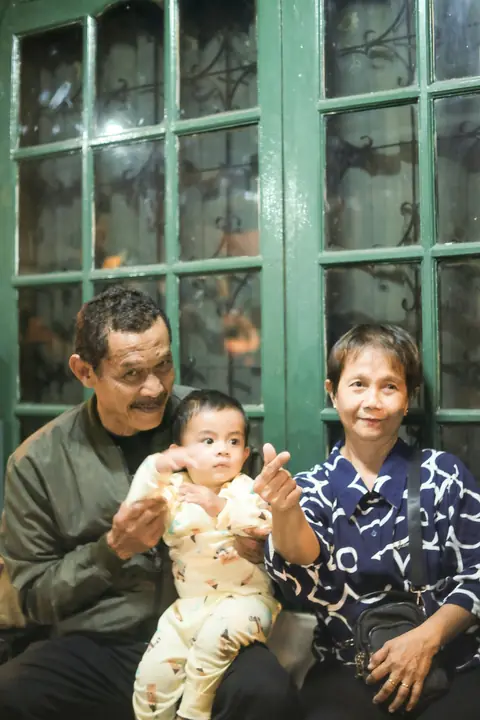
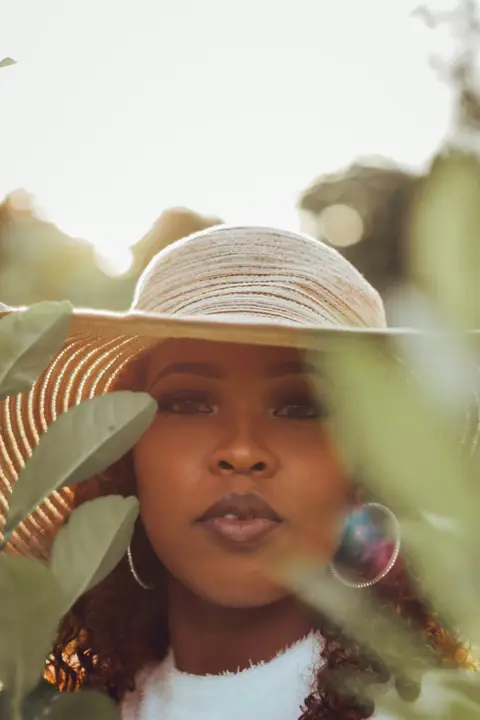
Pace the book like a story
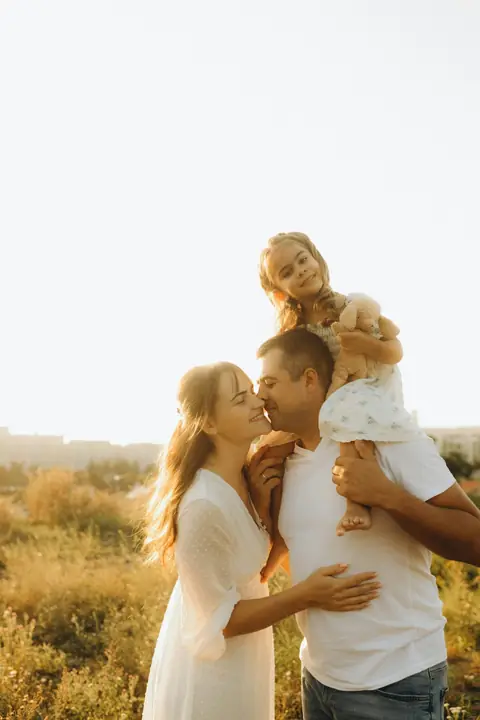
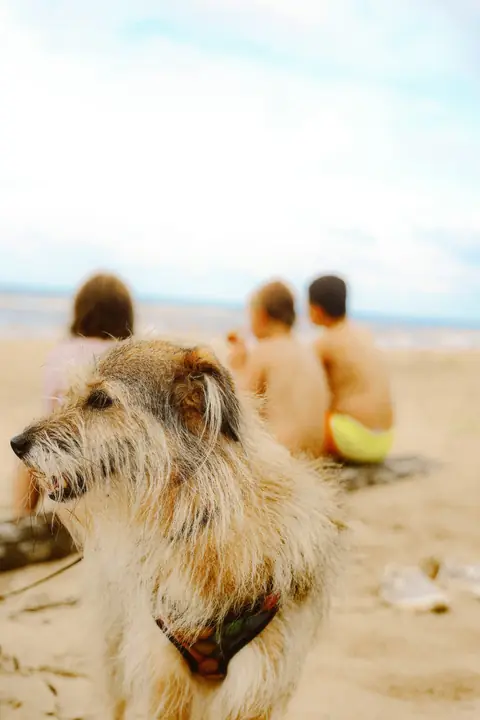
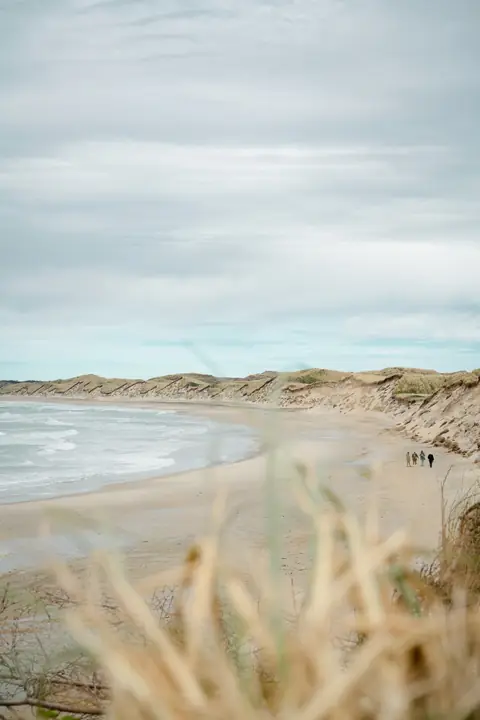
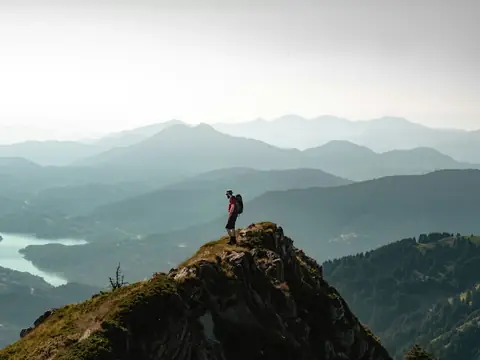
Page through and feel the rhythm. A busy spread feels richer after a quiet one, and a big photo lands harder after a page of details.A busy spread feels richer after a quiet one, and a big photo lands harder after a page of details.
1. Opener
Calm · 2 photos
2. The details
Busy · 7 photos
3. A breather
Calm · 2 photos
4. The big moment
Bold · 2 photos
5. A pair
Lively · 4 photos
6. Closer
Calm · 2 photos



08 · Layout idea
Add words only when they help
A caption should tell the reader something the photo can’t. A date, a place, a name or an age. If the photo says it already, leave the page quiet.A caption should tell the reader something the photo can’t. A date, a place, a name or an age.

- Lake Tahoe, July 2025Good: Place and date
- Grandpa’s 80thGood: Names the moment
- Ellie, 3 days oldGood: A name and an age
- Me and everyone at the lake having so much fun!!Skip: Too long, and the photo already shows it
09 · In the editor
Change any page’s layout in a few taps
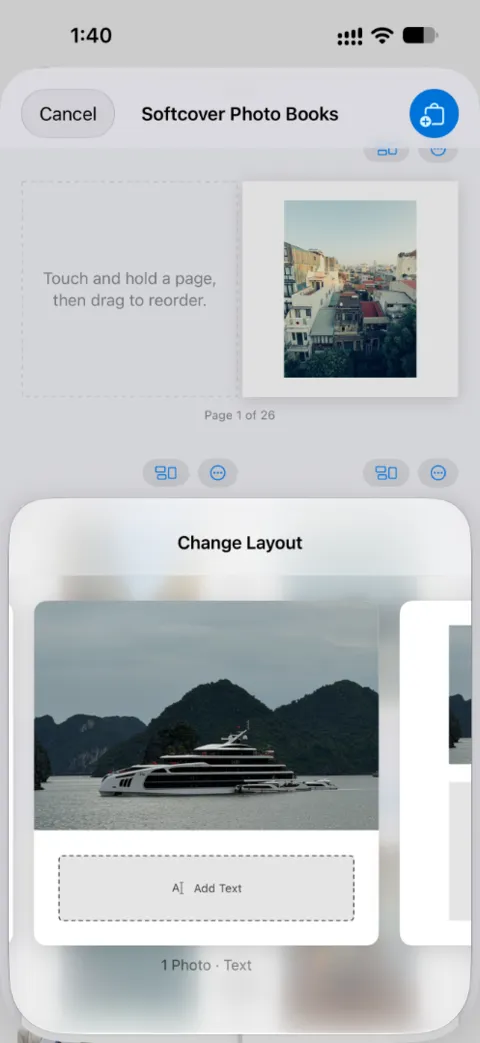
We lay out your photos first. Then you change the pages that deserve more room, on the web or in the iPhone app.We lay out your photos first. Then you change the pages that deserve more room, in the iPhone app or on the web.
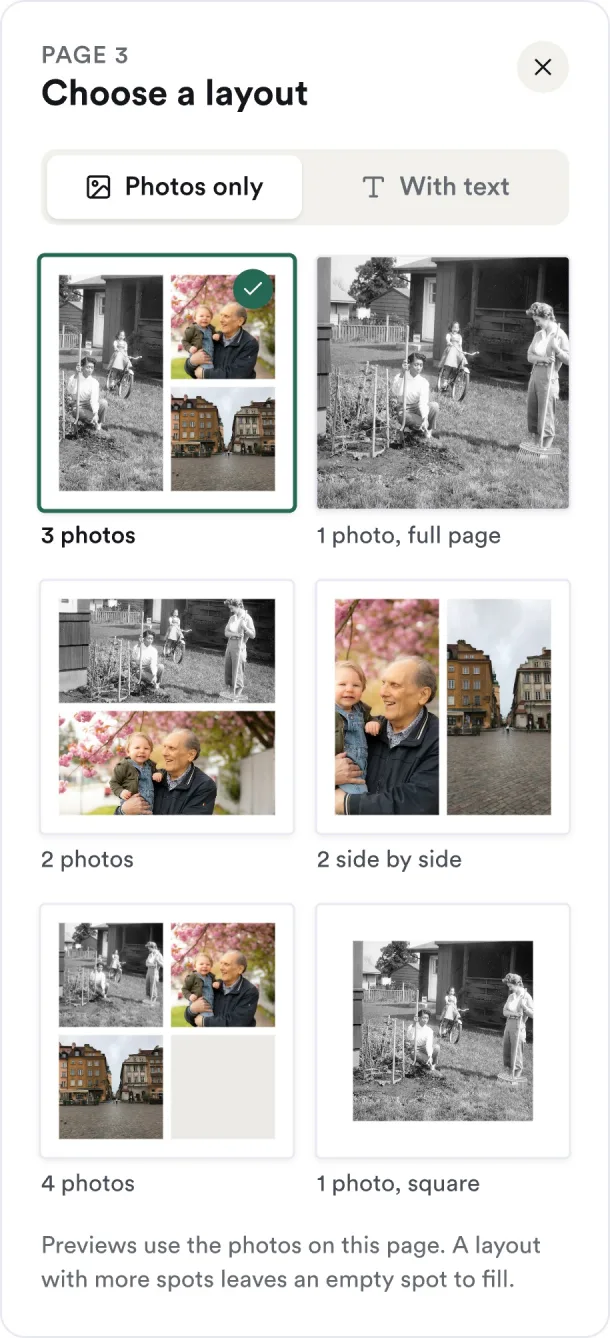
Open Layout under a page
On the web it sits under each page. In the app, tap the layout icon above it.In the app, tap the layout icon above it. On the web it sits under each page.
Pick photos only or with text
Each preview uses your own photos, so you see the page before you choose.
Your photos move with you
They carry over to the new layout and each crop resets. A layout with more spots leaves one empty. With fewer spots, the extra photos leave the page but stay with your book’s photos. Check the page after you switch.
10 · Questions
Questions about making a photo book
Start with one favorite photo
Pick a book and add your photos. We lay them out first, then you give the best ones the room they deserve.



Press SheetMonthly newsletter
Photos worth printing,
once a month.
Each month we send Press Sheet, a short roll of print ideas, photo tips and what’s new at Parabo. When we run a special offer, subscribers hear about it first.
